앱개발에 관심이 생겨서 살펴 보던 중에.. 한놈 잡고 스터디 해볼까 하는데 Flutter 이놈이 눈에 띄어 시작해볼까 한다. 😅
Google에서 밀고 있어서 인기가 많다고 하는 크로스 플랫폼 언어(cross platform language) Flutter를 그럼 시작해보자!
*cross platform: 특정 소스 플랫폼(IOS, Android, Window ...)에 영향받지 않고 최대한 자유롭게 사용 가능하게 서포트
Flutter를 시작하면서 궁금했던 부분들을 서치해보고 그래도 궁금한 점들은 ChatGPT를 통해서 질의 응답을 진행했었다.
[Flutter][STUDY] ChatGPT 질의응답
Flutter를 공부하기 전에 떠오르는 궁금한 점들을 ChatGPT를 통해 먼저 알아 보았다. 질의응답 내용들을 정리해 보면 아래와 같다. Q-001. Flutter를 처음 스터디하려고 할 때 어떤 방법을 추천하고 싶어
permitroot.tistory.com
이번에는 실제로 Flutter를 설치를 해보려고 한다. 설치는 아래 공식 문서를 참고해서 진행 할 예정이다.
https://docs.flutter.dev/get-started/install
Install
Install Flutter and get started. Downloads available for Windows, macOS, Linux, and ChromeOS operating systems.
docs.flutter.dev
1. Select OS for installation
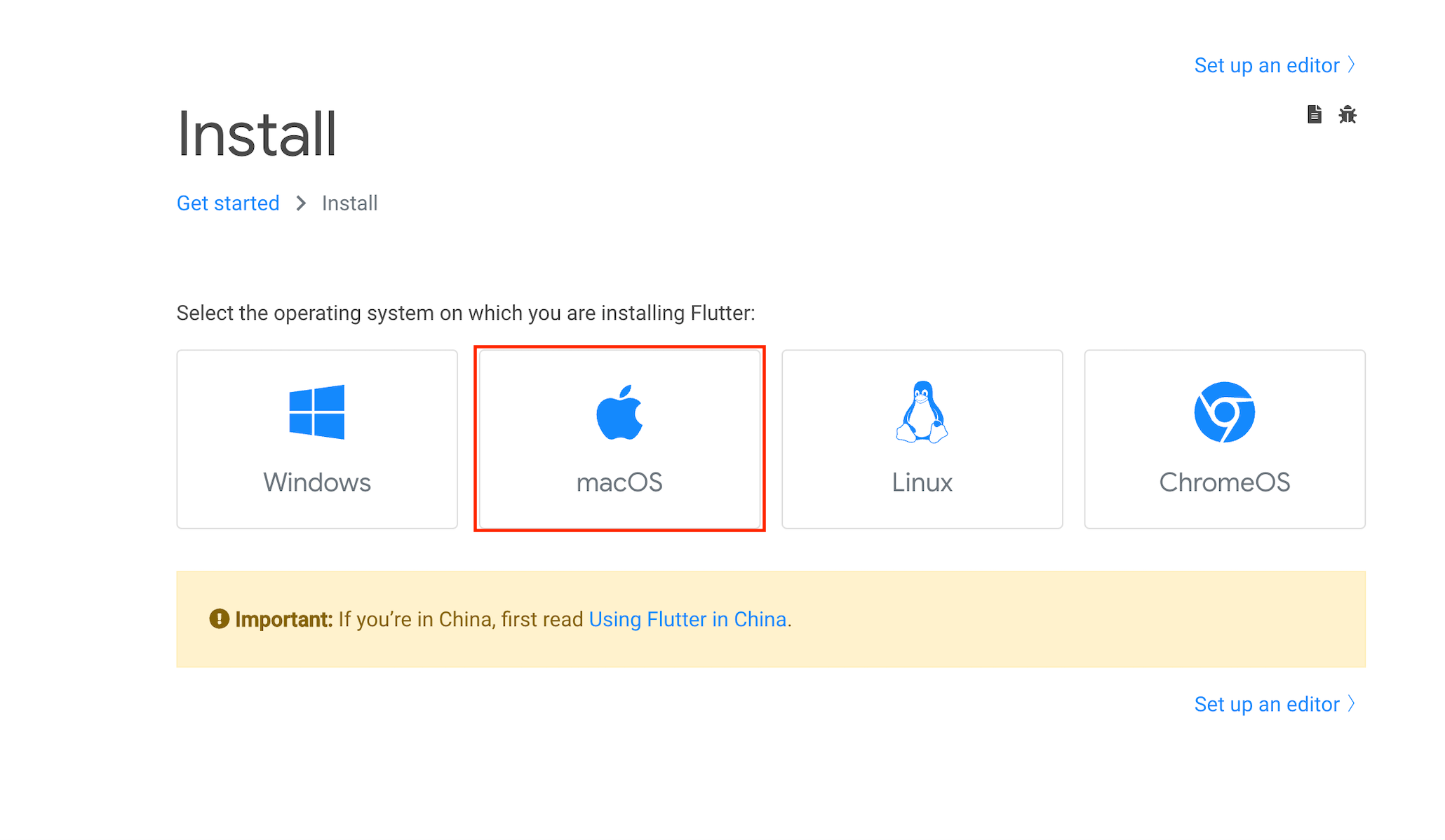
설치를 하기 위해서는 현재 사용하고 있는 운영체제를 고르고 순서에 따라서 진행하면 된다.
쓰고 있는 PC가 macOS이기 때문에 macOS를 기준으로 설명을 진행한다. macOS click!!
2. Check system requirements
설치를 하기 위한 System requirements는 아래와 같은데 Xcode가 세팅된 상태로 진행하는 걸 추천한다.
- Operating Systems: macOS
- Disk Space: 2.8 GB (does not include disk space for IDE/tools).
- Tools: Flutter uses git for installation and upgrade. We recommend installing Xcode, which includes git, but you can also install git separately.
아래와 같이 Apple Silicon Macbook인 경우 softwareupdate command로 업데이트가 필요하다고 하는데 Intel CPU라서 PASS!
Important: If you’re installing on an Apple Silicon Mac, you must have the Rosetta translation environment available for some ancillary tools. You can install this manually by running:
$ sudo softwareupdate --install-rosetta --agree-to-license
*XCode 설치 확인은 간단하게 terminal에서 아래 명령어로 확인 가능하다.
명령어를 치면 version 정보가 나오면 문제 없고 없다면 Xcode를 설치하고 진행하면 된다.
$ xcode-select --version
xcode-select version 2395.
3. Get the Flutter SDK
Download the following installation bundle to get the latest stable release of the Flutter SDK:
Intel과 Apple Silicon인지 확인하여 zip파일을 받는다.
- Intel
- Apple Silicon
웹 URL에 접근 혹은 curl command로 다운로드한다. (Flutter SDK의 용량은 약 924MB)
$ curl -O https://storage.googleapis.com/flutter_infra_release/releases/stable/macos/flutter_macos_3.7.6-stable.zipFlutter SDK를 세팅을 위한 디렉토리로 이동하고 압축을 푼다.
$ cd ~/development
$ unzip ~/Downloads/flutter_macos_3.7.6-stable.zip
flutter라는 디렉토리에 파일들이 생성된것을 볼 수 있다.
위에서 만약에 git repo에서 clone한 경우 압축을 푼것과 동일한 상태이므로 여기부터 진행하면 된다.
Path 환경변수에 flutter tool을 추가한다.
*This command sets your PATH variable for the current terminal window only.
$ export PATH="$PATH:`pwd`/flutter/bin"4. Run flutter doctor
Flutter doctor라는 명령어를 통해 의존성이 있는 구성 요소 설치를 확인 할 수 있다.
문제가 있는 경우 bold된 텍스트로 관련 내용을 확인 할 수 있으며 -v을 통해 자세히 확인 가능하다.
부족한 부분이 있으면 항목 별로 자세히 나온 가이드대로 해결하면 된다.
아래의 경우 Android toolchain, Xcode, Android studio가 없어서 설치를 진행했다. Flutter doctor 명령어로 재확인하면 된다.
$ flutter doctor -v
  ╔════════════════════════════════════════════════════════════════════════════╗
  ║                 Welcome to Flutter! - https://flutter.dev                  ║
  ║                                                                            ║
  ║ The Flutter tool uses Google Analytics to anonymously report feature usage ║
  ║ statistics and basic crash reports. This data is used to help improve      ║
  ║ Flutter tools over time.                                                   ║
  ║                                                                            ║
  ║ Flutter tool analytics are not sent on the very first run. To disable      ║
  ║ reporting, type 'flutter config --no-analytics'. To display the current    ║
  ║ setting, type 'flutter config'. If you opt out of analytics, an opt-out    ║
  ║ event will be sent, and then no further information will be sent by the    ║
  ║ Flutter tool.                                                              ║
  ║                                                                            ║
  ║ By downloading the Flutter SDK, you agree to the Google Terms of Service.  ║
  ║ Note: The Google Privacy Policy describes how data is handled in this      ║
  ║ service.                                                                   ║
  ║                                                                            ║
  ║ Moreover, Flutter includes the Dart SDK, which may send usage metrics and  ║
  ║ crash reports to Google.                                                   ║
  ║                                                                            ║
  ║ Read about data we send with crash reports:                                ║
  ║ https://flutter.dev/docs/reference/crash-reporting                         ║
  ║                                                                            ║
  ║ See Google's privacy policy:                                               ║
  ║ https://policies.google.com/privacy                                        ║
  ╚════════════════════════════════════════════════════════════════════════════╝


Running "flutter pub get" in flutter_tools...
Resolving dependencies in flutter/packages/flutter_tools... (9.7s)
  _fe_analyzer_shared 50.0.0 (55.0.0 available)
  analyzer 5.2.0 (5.7.1 available)
  archive 3.3.2 (3.3.6 available)
  args 2.3.1 (2.4.0 available)
  built_value 8.4.2 (8.4.4 available)
  checked_yaml 2.0.1 (2.0.2 available)
  collection 1.17.0 (1.17.1 available)
  completion 1.0.0 (1.0.1 available)
  coverage 1.6.1 (1.6.3 available)
  dds 2.5.0 (2.7.6 available)
  dds_service_extensions 1.3.1 (1.3.3 available)
  devtools_shared 2.18.0 (2.22.2 available)
  dwds 16.0.2+1 (18.0.0 available)
  fixnum 1.0.1 (1.1.0 available)
  frontend_server_client 3.1.0 (3.2.0 available)
  html 0.15.1 (0.15.2 available)
  intl 0.17.0 (0.18.0 available)
  io 1.0.3 (1.0.4 available)
  js 0.6.5 (0.6.7 available)
  json_annotation 4.7.0 (4.8.0 available)
  logging 1.1.0 (1.1.1 available)
  matcher 0.12.13 (0.12.14 available)
  meta 1.8.0 (1.9.0 available)
  mime 1.0.2 (1.0.4 available)
  multicast_dns 0.3.2+2 (0.3.2+3 available)
  native_stack_traces 0.5.2 (0.5.5 available)
  node_preamble 2.0.1 (2.0.2 available)
  path 1.8.2 (1.8.3 available)
  petitparser 5.1.0 (5.2.0 available)
  pubspec_parse 1.2.1 (1.2.2 available)
  source_maps 0.10.11 (0.10.12 available)
  sse 4.1.1 (4.1.2 available)
  test 1.22.0 (1.23.1 available)
  test_api 0.4.16 (0.4.18 available)
  test_core 0.4.20 (0.4.24 available)
  vm_service 9.4.0 (11.2.0 available)
  web_socket_channel 2.2.0 (2.3.0 available)
  webdriver 3.0.1 (3.0.2 available)
Got dependencies in flutter/packages/flutter_tools!
[✓] Flutter (Channel stable, 3.7.6, on macOS 12.6 21G115 darwin-x64, locale ko-KR)
    • Flutter version 3.7.6 on channel stable at /Users/elon.2020/development/flutter/flutter
    • Upstream repository https://github.com/flutter/flutter.git
    • Framework revision 12cb4eb7a0 (4 days ago), 2023-03-01 10:29:26 -0800
    • Engine revision ada363ee93
    • Dart version 2.19.3
    • DevTools version 2.20.1

[✗] Android toolchain - develop for Android devices
    ✗ Unable to locate Android SDK.
      Install Android Studio from: https://developer.android.com/studio/index.html
      On first launch it will assist you in installing the Android SDK components.
      (or visit https://flutter.dev/docs/get-started/install/macos#android-setup for detailed instructions).
      If the Android SDK has been installed to a custom location, please use
      `flutter config --android-sdk` to update to that location.


[✗] Xcode - develop for iOS and macOS
    ✗ Xcode installation is incomplete; a full installation is necessary for iOS development.
      Download at: https://developer.apple.com/xcode/download/
      Or install Xcode via the App Store.
      Once installed, run:
        sudo xcode-select --switch /Applications/Xcode.app/Contents/Developer
        sudo xcodebuild -runFirstLaunch
    ✗ CocoaPods not installed.
        CocoaPods is used to retrieve the iOS and macOS platform side's plugin code that responds to your plugin usage on the Dart side.
        Without CocoaPods, plugins will not work on iOS or macOS.
        For more info, see https://flutter.dev/platform-plugins
      To install see https://guides.cocoapods.org/using/getting-started.html#installation for instructions.

[✓] Chrome - develop for the web
    • Chrome at /Applications/Google Chrome.app/Contents/MacOS/Google Chrome

[!] Android Studio (not installed)
    • Android Studio not found; download from https://developer.android.com/studio/index.html
      (or visit https://flutter.dev/docs/get-started/install/macos#android-setup for detailed instructions).

[✓] IntelliJ IDEA Ultimate Edition (version 2021.2)
    • IntelliJ at /Applications/IntelliJ IDEA.app
    • Flutter plugin can be installed from:
      🔨 https://plugins.jetbrains.com/plugin/9212-flutter
    • Dart plugin can be installed from:
      🔨 https://plugins.jetbrains.com/plugin/6351-dart

[✓] IntelliJ IDEA Ultimate Edition (version 2020.2.4)
    • IntelliJ at /Applications/IntelliJ IDEA_2020.2.4.app
    • Flutter plugin can be installed from:
      🔨 https://plugins.jetbrains.com/plugin/9212-flutter
    • Dart plugin can be installed from:
      🔨 https://plugins.jetbrains.com/plugin/6351-dart

[✓] Connected device (2 available)
    • macOS (desktop) • macos  • darwin-x64     • macOS 12.6 21G115 darwin-x64
    • Chrome (web)    • chrome • web-javascript • Google Chrome 110.0.5481.177

[✓] HTTP Host Availability
    • All required HTTP hosts are available

! Doctor found issues in 3 categories.
5. Update your path
앞에서 했던 Path 환경변수 등록은 열려있는 terminal에서만 적용이 되었기 때문에 rc파일 수정을 통해 shell이 켜질 때마다 적용 될 수 있게 해야한다.
# bash shell
$ vi $HOME/.bash_profile
혹은
$ vi $HOME/.bashrc

# Z shell
$ vi $HOME/.zshrc

export PATH="$PATH:$HOME/development/flutter/bin"
업데이트가 완료되었으면 아래와 같이 확인 가능하다.
$ echo $PATH
$ which flutter'Programming > Flutter' 카테고리의 다른 글
| [Flutter][STUDY] ChatGPT 질의응답 (0) | 2023.03.05 |
|---|